LaunchLab

Two lectures

Each lecture runs for an hour and works on its own; if you book both, LL 101 comes first. No coding experience is needed. To build along on their own laptops, students need a paid Claude plan; without one, they follow the build on the main screen.

LL 101 Build and publish a website with AI

Length
60 minutes
Taught
At ESSEC Business School, to more than a hundred master’s students
Learning outcome
A working website for each student who builds along, and the steps to put it online
Prerequisites
No coding experience. To build along, a paid Claude plan (Pro or higher) for Claude Design and Claude Code
Materials
Claude Design, Claude Code, tiiny.host, GitHub, Vercel, Supabase

Students design a site in Claude Design, have Claude Code build it, and put it online with tiiny.host. After that we show how a team keeps a site up to date with GitHub and Vercel, and how logins and user data work with Supabase.

Running order (approximate)
TimePartWhat happens
0:00IntroductionWho we are and what students will build
0:05Part 1: Design, build, deployClaude Design for the look, the handoff to Claude Code, then a first launch on tiiny.host
0:25Part 2: GitHub and VercelSaving and sharing work on GitHub (commit, push, pull request, merge), then automatic deploys with Vercel
0:42Part 3: Logins and dataHow sign-up and log-in work, what a token is, and Supabase as a backend
0:52Task and questionsA take-home build task and a short feedback form
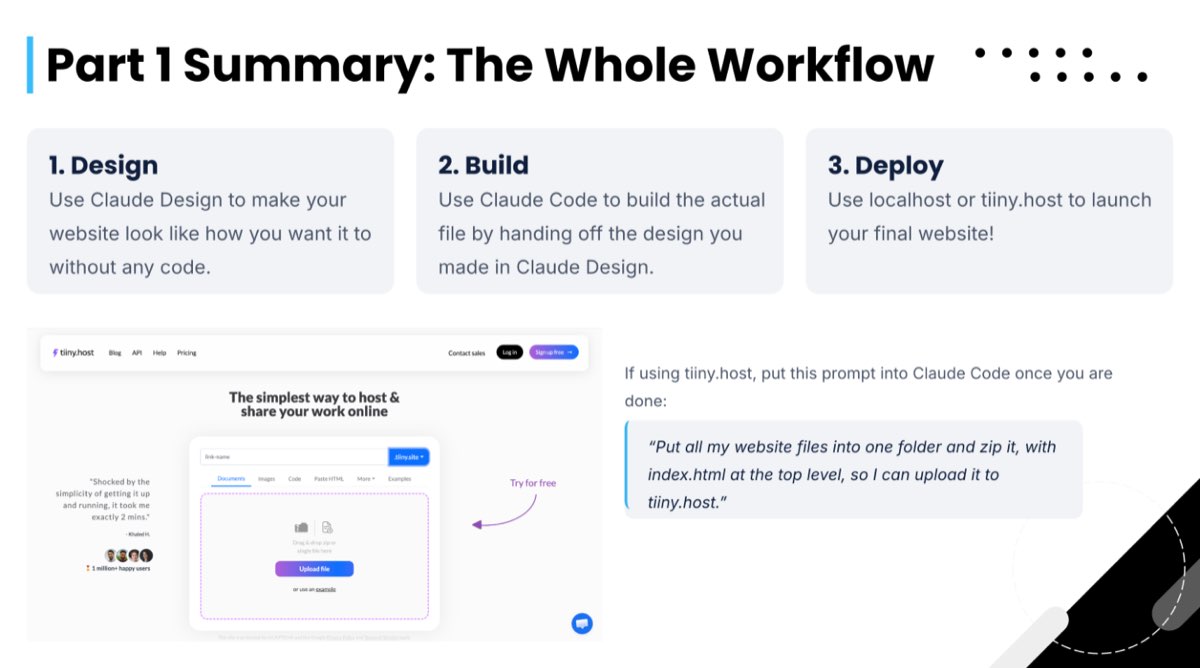
A prompt students type at the end of Part 1

“Put all my website files into one folder and zip it, with index.html at the top level, so I can upload it to tiiny.host.”
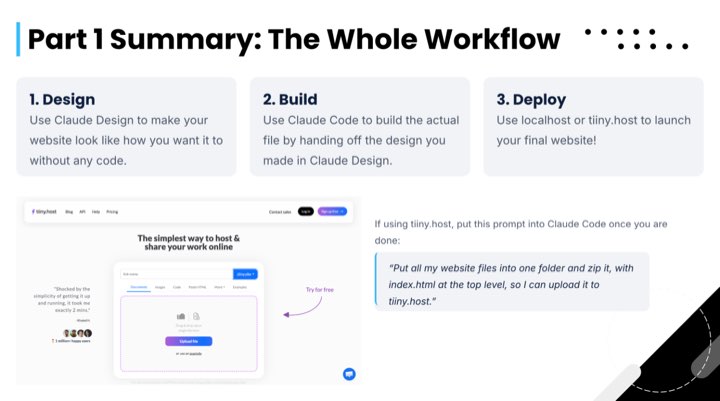
From the current version of the slides. Select a slide to see it full size.

  • Slide 12, Part 1 Summary: design with Claude Design, build with Claude Code, deploy with localhost or tiiny.host.
    Slide 12. The Part 1 workflow.
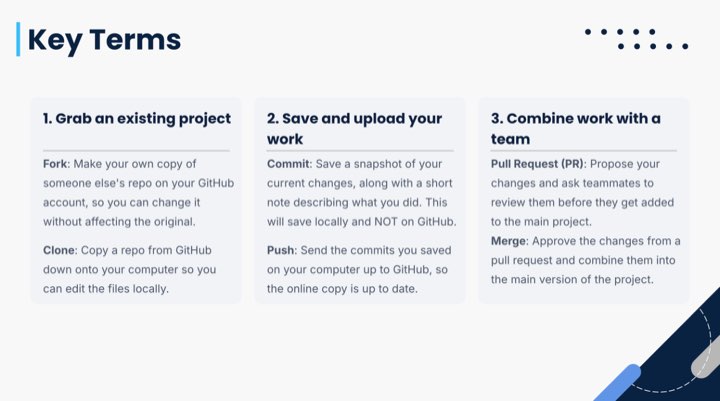
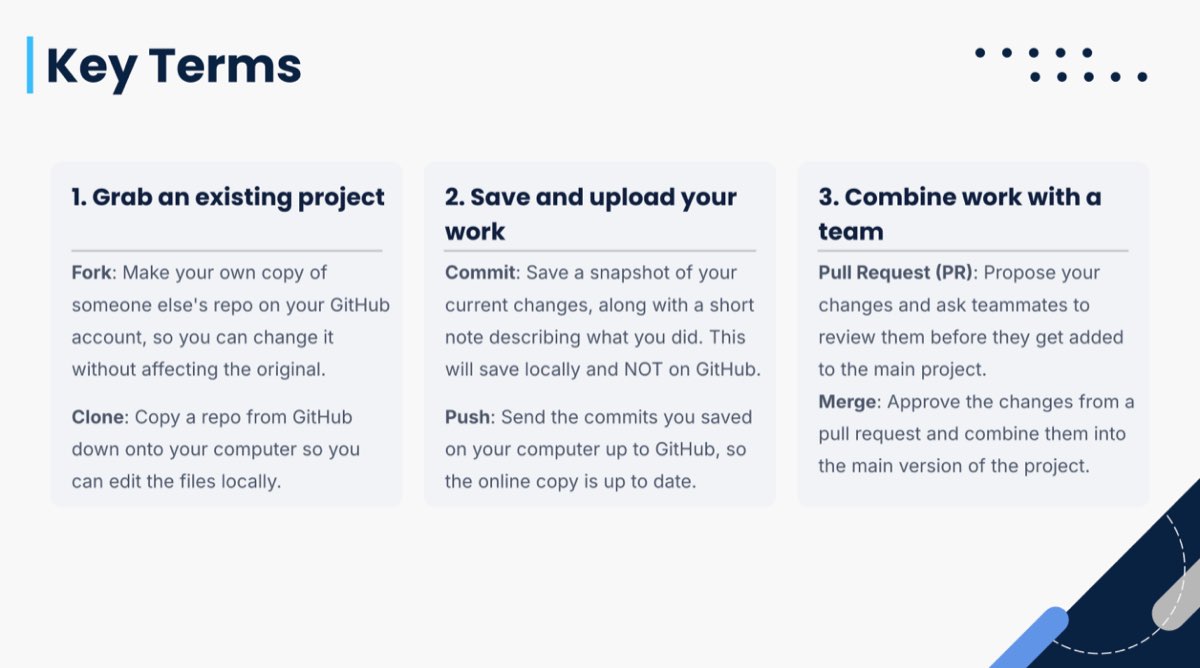
  • Slide 15, Key Terms: fork and clone, commit and push, pull request and merge, each explained in a sentence.
    Slide 15. Git terms in plain English.
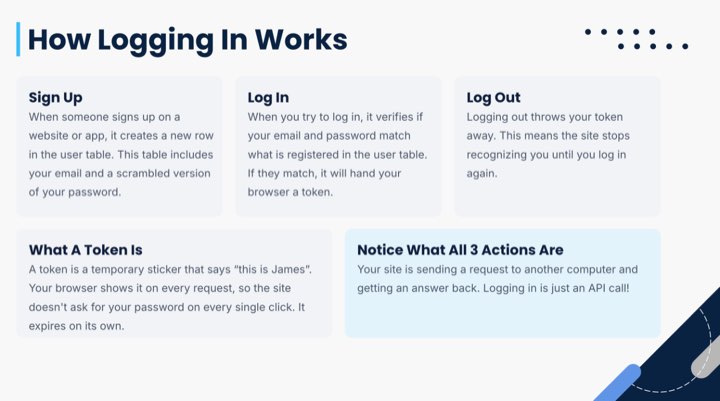
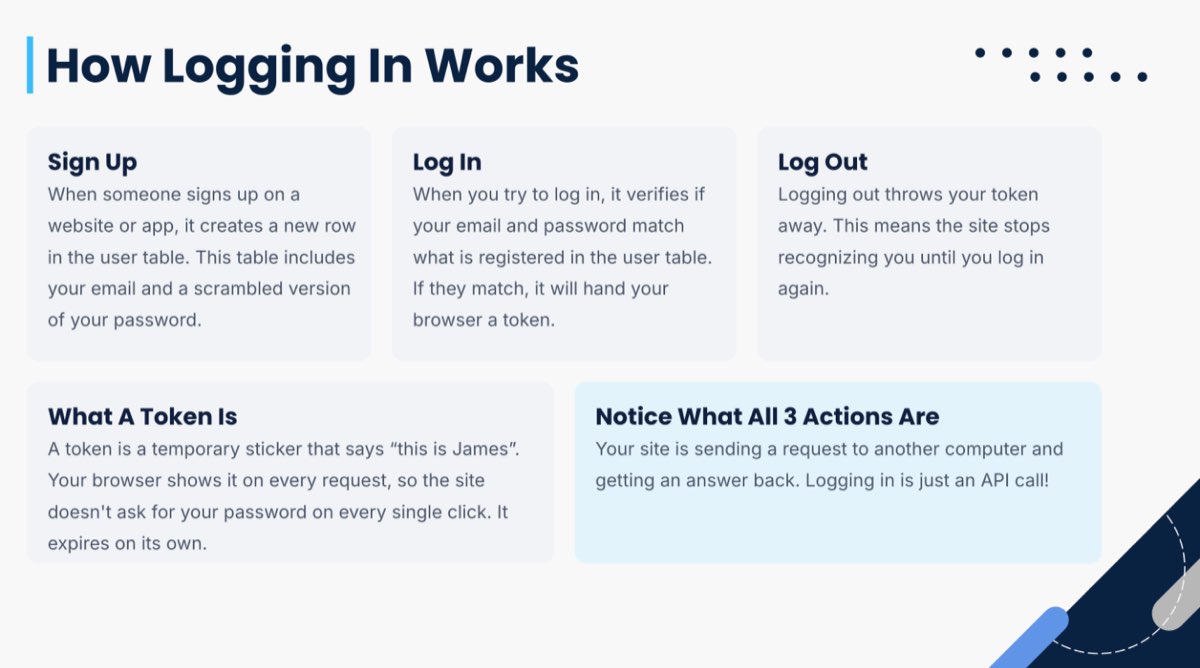
  • Slide 27, How Logging In Works: sign up, log in, log out, and what a token is.
    Slide 27. How logging in works.

LL 102 Automate everyday work with AI agents

Length
60 minutes
Status
Not taught yet. We’re looking for a first class to run it with.
Learning outcome
One scheduled task, set up and run once in class
Prerequisites
No coding experience. To build along, a paid Claude plan (Pro or higher) for scheduled tasks, and a Google or Notion account to connect
Materials
Claude, connectors (MCP, the standard that lets Claude use other apps), scheduled tasks, Notion

Students connect Claude to apps they already use, then turn a job they do every week into a scheduled task that runs by itself. The last part shows how several agents can split up a bigger job.

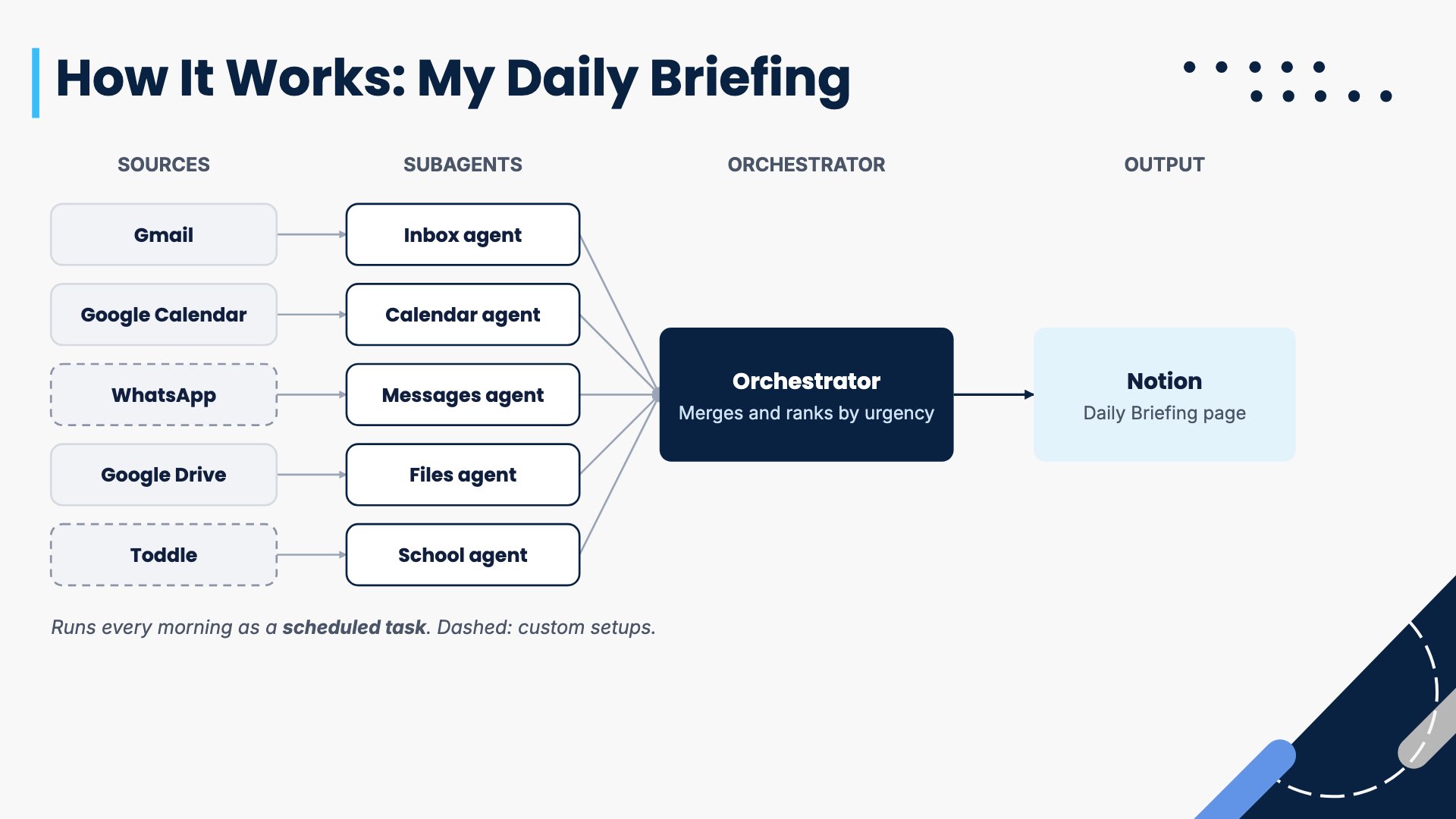
The worked example is Yibo’s own morning briefing. It reads Gmail, Google Calendar, WhatsApp, Google Drive and Toddle (a school coursework platform), then writes one page to Notion. For a marketing class, the same pattern covers a Monday round-up of competitor news or a Friday campaign report.

Planned running order
TimePartWhat happens
0:00IntroductionWho we are, and the difference between chatting with AI and handing it a job
0:05Part 1: ConnectConnectors and MCP, when an API is needed instead, and connecting a first app in class
0:20Part 2: ScheduleWriting a prompt that runs without you, then saving it as a scheduled task and running it once
0:35Part 3: OrchestrateMulti-agent systems, the daily briefing, and what not to automate
0:52Task and questionsSetting the at-home check of the next morning’s run, questions, and a short feedback form
Slide 17, How It Works, My Daily Briefing: five sources feed five subagents, an orchestrator merges and ranks them, and the result goes to a Notion page. WhatsApp and Toddle are marked as custom setups.
Slide 17. The daily briefing, agent by agent.